
Introduction
Good UI/UX design is not decoration added before launch. It is a planning discipline that clarifies what the product should do, how users should move through it, and how developers can build it with fewer costly assumptions.
Use discovery to clarify what should be built
Development slows down when requirements are vague. Product discovery turns business goals, user problems, operational constraints, and stakeholder ideas into a clearer product direction. This work helps teams decide what the interface must support before implementation begins.
Discovery also exposes hidden complexity. A simple form may need approval states, permissions, required attachments, notifications, audit history, or follow-up actions. Finding those details early prevents developers from rebuilding features after the first review.
- Define the user problem behind each feature
- Separate core workflows from secondary ideas
- Identify missing states before development starts
- Clarify success criteria for the first release
Map user flows before screens become code
A user flow explains how someone moves from intent to outcome. It shows where they start, what decision they make, what data they provide, what system response they expect, and what happens when something goes wrong. This is more useful than designing isolated screens.
When developers receive clear flows, they can build behavior instead of guessing it. Login, onboarding, checkout, booking, reporting, and admin workflows all become easier to estimate because the steps, conditions, and edge cases are visible.
- Entry points and next actions
- Required and optional user inputs
- Decision branches and permission checks
- Success, failure, and recovery paths
Use wireframes and prototypes to validate decisions
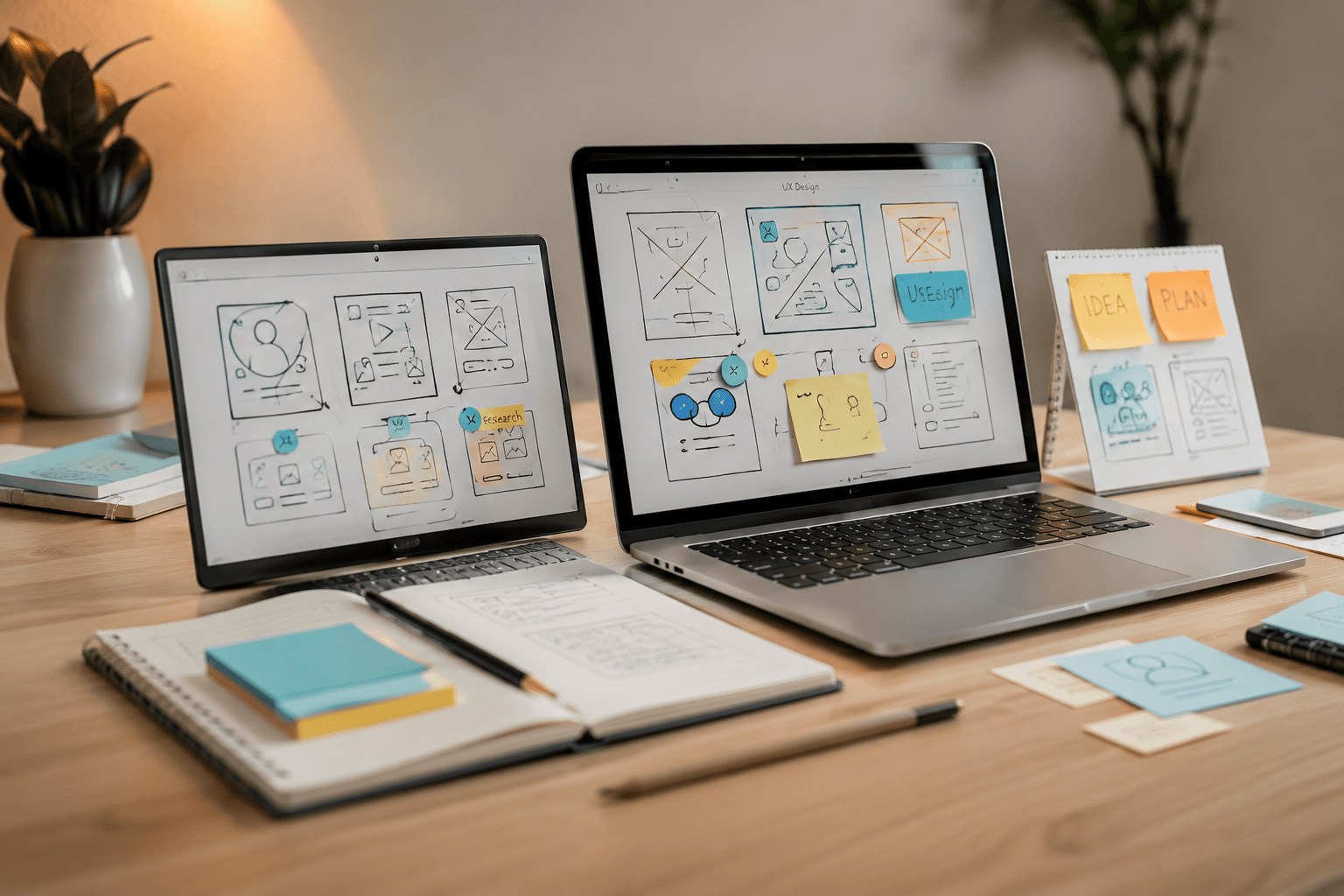
Wireframes help teams agree on structure before visual polish creates distractions. They make it easier to discuss hierarchy, navigation, content, fields, filters, and actions. A wireframe can reveal that a workflow is too long or that a key decision is missing.
Prototypes go one step further by letting stakeholders and users click through the intended experience. They are especially useful for complex products because people often understand interaction problems only when they move through the flow themselves.
- Review navigation before building routes
- Test whether users understand labels and actions
- Confirm the order of steps in complex workflows
- Find approval blockers before development begins
Define information architecture and content hierarchy
Information architecture decides how a product is organized. It affects menus, dashboards, settings, search, filters, detail pages, and admin areas. If the structure is unclear, users struggle to find what they need and developers receive repeated change requests.
Good hierarchy also reduces interface clutter. The most important action should be obvious. Supporting information should be available without overwhelming the page. This clarity helps users complete tasks and helps development teams create consistent layouts.
Design states that developers otherwise have to guess
Products are not made only of perfect screens filled with data. Real products need empty states, loading states, validation messages, success confirmations, errors, disabled actions, permission restrictions, expired sessions, and responsive behavior. Missing states become development questions later.
When these states are designed, developers can implement them consistently. This reduces back-and-forth, improves quality, and prevents the product from feeling unfinished when users hit common edge cases.
- Form validation and error messages
- Empty, loading, success, and failure states
- Responsive layouts for mobile and tablet use
- Permission and access-denied states
Use design systems and reusable components
A design system does not have to be large to be useful. Even a focused component library for buttons, inputs, cards, tables, modals, tabs, alerts, and layout patterns can save significant development time. Developers can build once and reuse consistently.
Reusable components also protect the user experience as the product grows. If every page uses different form behavior, spacing, or button patterns, maintenance becomes slower and users feel friction. Consistency supports speed and trust at the same time.
- Reusable form and validation patterns
- Consistent tables, filters, and pagination
- Shared navigation and page layouts
- Documented component behavior for engineers
Improve accessibility and responsive behavior early
Accessibility is easier to include during design than to repair after launch. Color contrast, readable typography, keyboard behavior, form labels, focus states, and clear error messages all affect whether users can complete tasks reliably.
Responsive behavior also needs design attention. A dashboard, pricing table, or multi-step form cannot simply shrink onto a phone. The layout should define what stacks, what scrolls, what becomes secondary, and which actions remain visible.
Make developer handoff clear and reduce rework
A strong handoff explains not only how screens look, but how they behave. Developers need to understand interactions, edge cases, content rules, breakpoints, component states, and expected data. The clearer the handoff, the fewer assumptions enter the codebase.
Good UI/UX design also speeds stakeholder approval. People can react to a prototype before development starts, which reduces late changes. The result is usually faster delivery, fewer rework cycles, better adoption, and a lower support burden after launch.
- Annotate important interactions and edge cases
- Document responsive rules and component states
- Confirm stakeholder decisions before implementation
- Use design review to prevent avoidable rebuilds
Key Takeaways
- UI/UX design saves development time by clarifying requirements before code is written.
- User flows, wireframes, and prototypes reduce assumptions and expose missing edge cases.
- Designing empty, loading, validation, success, and error states prevents rushed decisions during development.
- Reusable components and design systems help teams build consistent interfaces faster.
- Accessibility and responsive behavior should be considered early, not patched at the end.
- Clear developer handoff reduces rework and helps stakeholders approve product decisions sooner.